Accessible learning for all
Kami’s supportive tools ensure every student feels included and valued in class. Explore each of our Auditory Supports below and how to use them.
Otherwise, learn more about accessibility in Kami.
Closed Captions
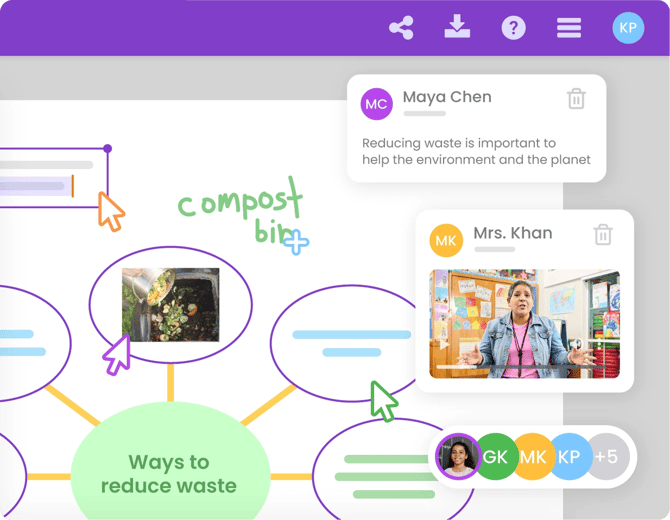
The captions feature in Kami auto-generates captions for Voice Comments, Video Comments, and uploaded videos. Displaying captions can help increase comprehension for all learning styles and abilities.
To enable, just look for the Closed Captions button on the video annotation. To disable, just click the Closed Captions button again.
-png-May-18-2026-11-37-50-1325-PM.png?width=670&height=399&name=Screenshot%20Template%20(Insert%20image)-png-May-18-2026-11-37-50-1325-PM.png)