Who is this for?
✓ Students.
✓ Requires a Kami paid plan.
One of several Understand tools available in Kami designed to improve comprehension, accessibility, and independence for all learners.
What is the Dictionary tool?
The Dictionary is an accessibility tool that helps students build vocabulary and confidence by providing instant Oxford Dictionary definitions for any word, without straying from their learning task.
Whether it’s supporting English Language Learners (ELLs) or clarifying challenging terms, Dictionary makes learning more accessible and engaging.
How to use the Dictionary tool
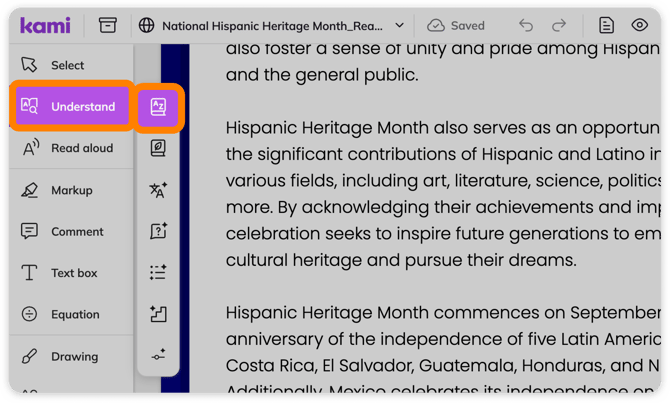
1. On the Kami toolbar, open the Understand tools menu and select Dictionary.
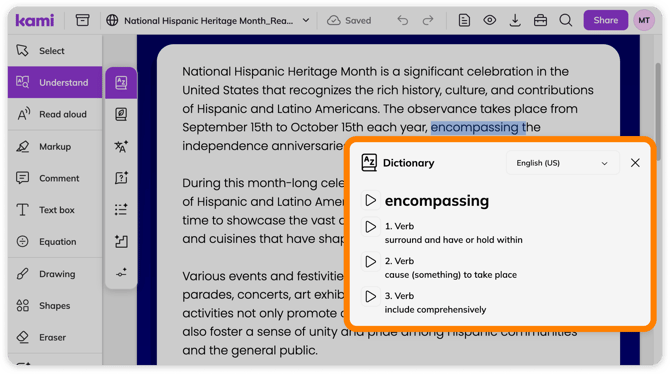
2. Highlight a word in your document that you'd like to define. The Dictionary tool will return an Oxford English Dictionary definition of the selected word.
📝 The Dictionary tool only works on embedded text, not within annotations. Therefore, this can be used on scanned documents or flattened annotations. To embed your document's text, run the Text Recognition tool.
Using Read Aloud in the Dictionary tool
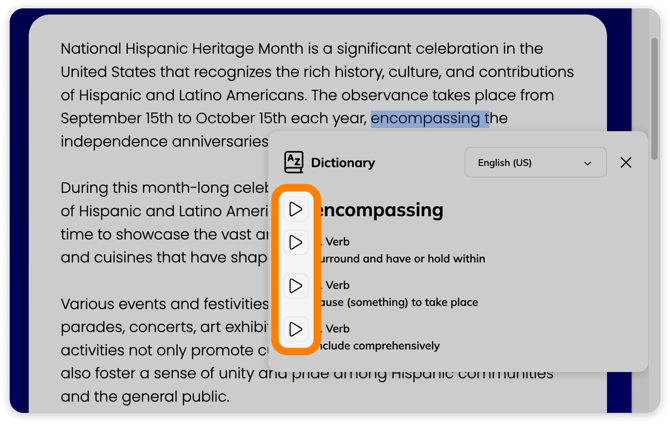
To have the word or definition read aloud, just select the play button to the left of the desired text.
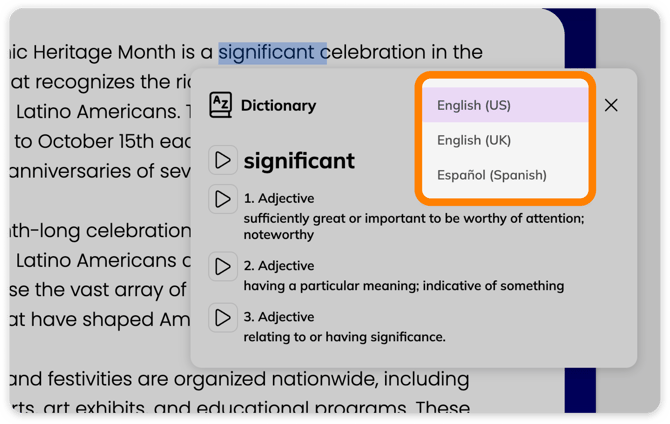
The Dictionary tool supports English (US), English (UK), and Espanõl (Spanish).
To change the language, select the current language setting, then choose your preferred language from the drop-down list.